| Command | Result |
|---|---|
| green <id> |  |
| orange <id> |  |
| yellow <id> |  |
| red <id> |  |
| white <id> |  |
| cyan <id> |  |
| purple <id> |  |
| defaultcolor <id> | Restores the user to user-selected/default color. |
| solid <id> |        |
| paw <id> |    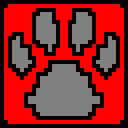 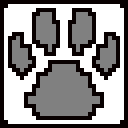 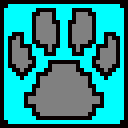 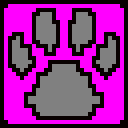 |
| yinyang <id> |        |
| lambda <id> |        |
| disconnected <id> | 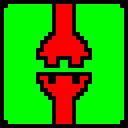  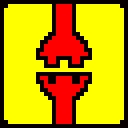  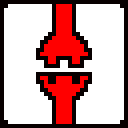 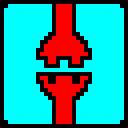 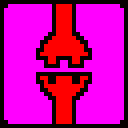 |
| star <id> |        |
| defaultskin <id> | Restores the user to user-selected/default skin. |
To get the player ID you can do players [More info] command.
More commands are listed:
Player directed commands: [More info]
Server commands: [More info]
Multiplayer list, and server hosting: [More info]